
How do I change my shipping address?Updated 2 months ago
Step 1: Login to your Loop Account (more information here)
Step 2: Under the shipping and payment section click on the Edit address link
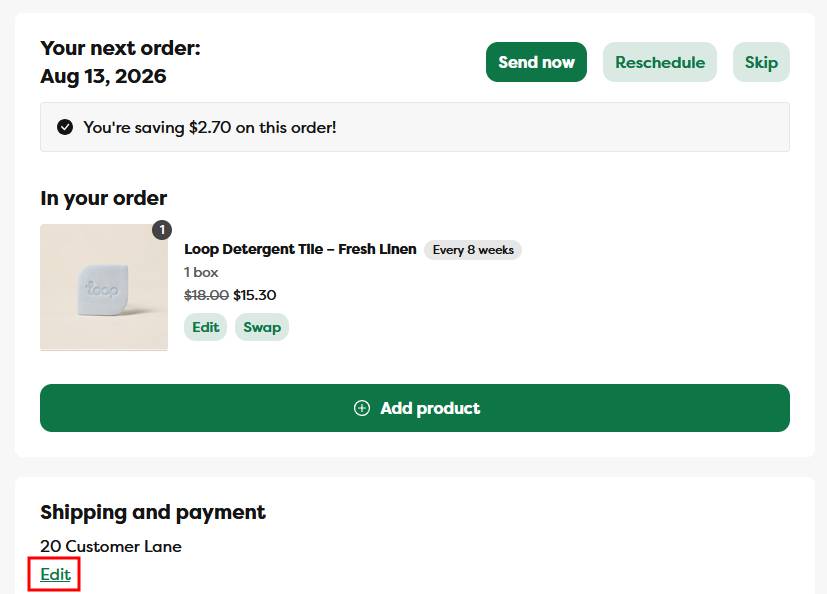
Step 3: Edit your address to the new one and click Save changes
Step 4: A green confirmation notification will appear, and after a few moments the page will refresh to confirm your new shipping address
- if you have multiple subscriptions in your address, each subscription is treated as unique so you will have to update your shipping address for every subscription
Please note - this will update the shipping address for all future orders and not for orders that have already been placed. If an order was just placed and the shipping address needs to be updated, please contact us and we will do our best to update it before it ships out.