How do I update my credit card?Updated 2 months ago
Step 1: Login to your Loop Account (more information here)
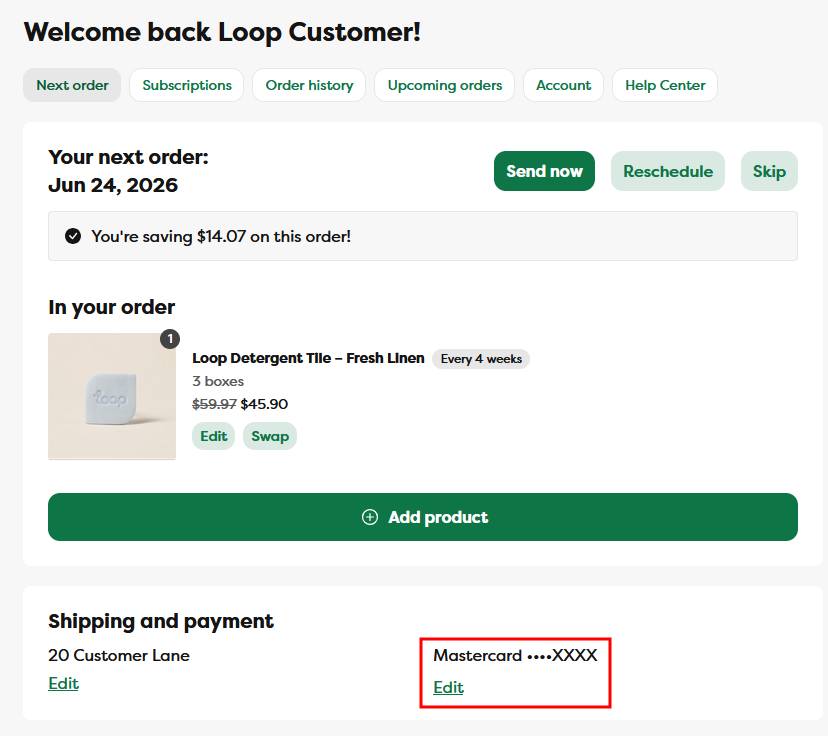
Step 2: In the shipping and payment section click on the Edit link
Step 3: Enter your new card details in the pop up that appears and click Add payment method
- You can also have the new card be applied to every subscription in your account by clicking the "Update all of my subscriptions to use this payment method" button right above the Add payment method button
Please note: if our system has been trying to process a charge, updating your credit card will attempt a new charge. Updating the card on file at any other time (meaning, when you're not expecting a subscription renewal or order) will update the card for all future orders.
To manage your payment methods
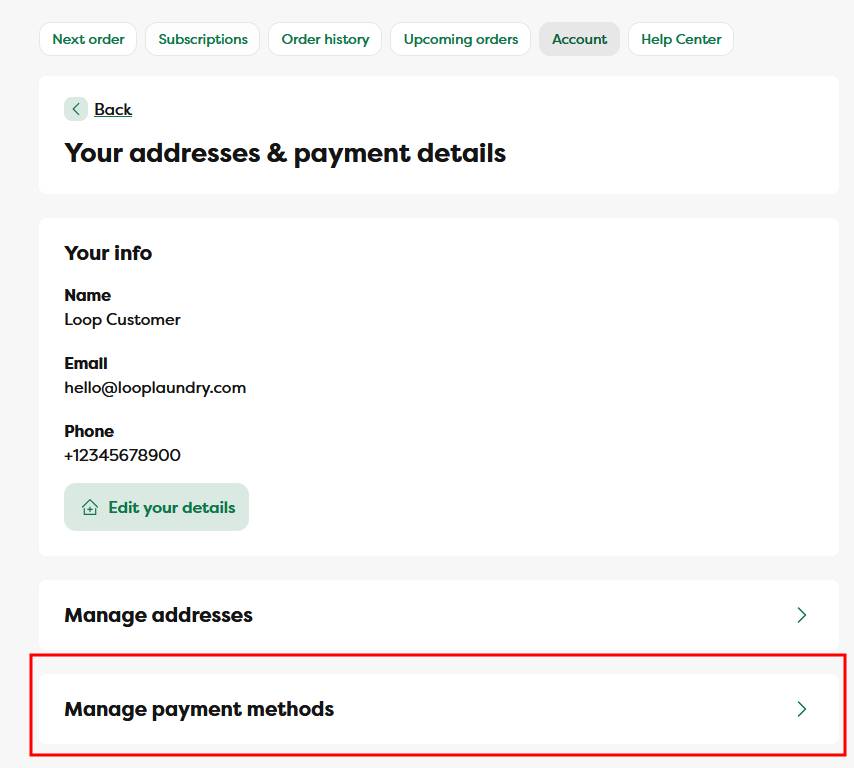
To manage your payment methods, click on the Account menu link, then on the Manage payment methods button at the bottom of the page